Manual · 3
Build, run and debug
One key builds, one runs, one debugs. VCSIDE passes the cartridge format, the TV standard, the symbols and your breakpoints to the emulator, so it opens ready to use.
Building
F7 builds the project:
- Assembly: DASM, with a listing (
.lst) and symbols (.sym) next to the ROM. - batari Basic: its own build script. See batari Basic projects.
- C for ELF: the project's
build_command, usuallymake. See C for ELF cartridges.
Errors and warnings go to Problems, and clicking one opens its line. Symbols DASM cannot resolve are listed with the line that uses them. After a build, the space report is updated.
Running
F5 builds and runs the ROM in the project's emulator, Gopher2600 (the default) or Stella (Build → Emulator). Both load the symbols of the build, so their debuggers show your labels instead of bare addresses.
The TV standard is passed on the command line. Both emulators have NTSC, PAL, PAL60 and SECAM; NTSC50 and SECAM60 are only in Stella, and PAL-M only in Gopher2600. If the emulator doesn't have the chosen one, VCSIDE says so and lets the emulator choose.
Breakpoints
Click in the left margin, or press F9, to set a breakpoint on a line. F6 builds the program and starts the emulator's debugger with every breakpoint set:
- each breakpoint goes to the first instruction on its line or after it;
- its address and bank come from the listing, following
RORG, so they are right in bank-switched games too; - a line inside a macro belongs to the line that calls the macro;
- in batari Basic, the breakpoints are on the lines of the
.bas.
Gopher2600 gets them in a script it runs when it starts. Stella gets them in build/<rom>.script, which its debugger runs when it opens (the macOS app reads it from elsewhere, so a copy goes there too). They are saved in <project>.vcsproj.user.
C for ELF cartridges runs on the cartridge's ARM, where neither emulator can stop on a line, so its breakpoints are not passed.
Emulator options
Build → Emulator options... sets how each emulator starts for this project: 54 options for Stella and 21 for Gopher2600, each with its help on hover.
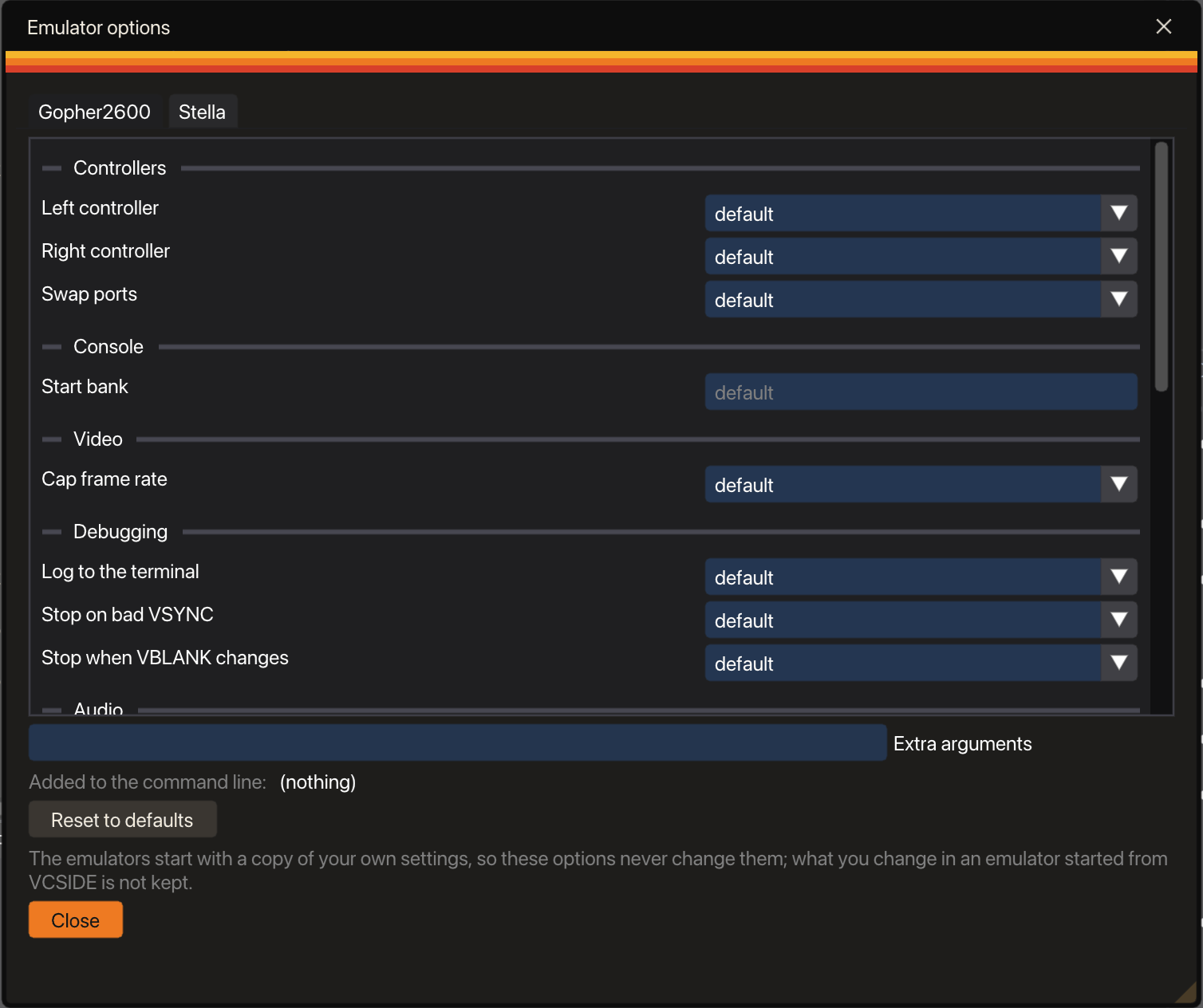
- Sound, debug colours, the TV type and difficulty switches.
- Controllers for each port.
- Palette and TV effects.
- Random RAM, CPU registers and TIA on reset, to catch code that expects zeros.
- Breaks on bad port accesses, TIA revisions and the ARM checks for DPC+, CDFJ and ELF.
- Free extra arguments, for anything else.
Your emulator settings are left alone
Stella saves every command-line option into its own settings when it quits. If VCSIDE started it with yours, a test with random RAM or another palette would stay in your settings for good. So each emulator starts with a private copy of your settings, renewed every time:
- Stella with its own base folder (on macOS, its
HOMEpoints to the copy); - Gopher2600 in portable mode, when an option has changed.
Your settings never change, and whatever you change inside an emulator started from VCSIDE is not kept.
Go to address
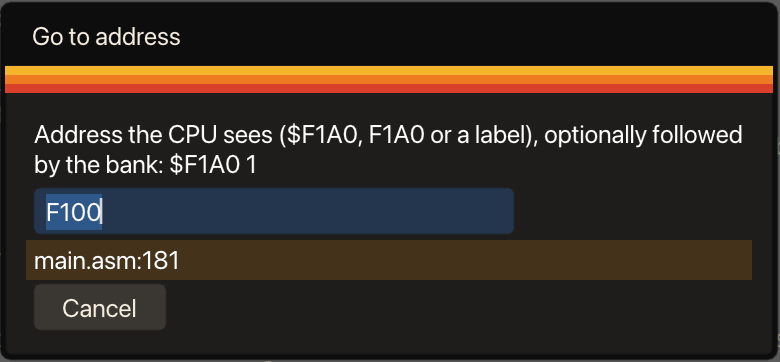
When the emulator stops at an address, Ctrl+Shift+G takes you to the source line. Type an address or a label and, if you want, a bank. The 6507 sees the cartridge at several addresses ($F000 is the same as $1000), and VCSIDE knows. If the address exists in more than one bank, it lists each line.