Manual · 9
Themes and languages
Every colour in VCSIDE has a name and a purpose, so a theme can change the whole program, or just one thing, and can be shared as a small file.
The built-in themes
View → Theme switches between Dark, Light, Solarized Light and Solarized Dark, plus any of yours.
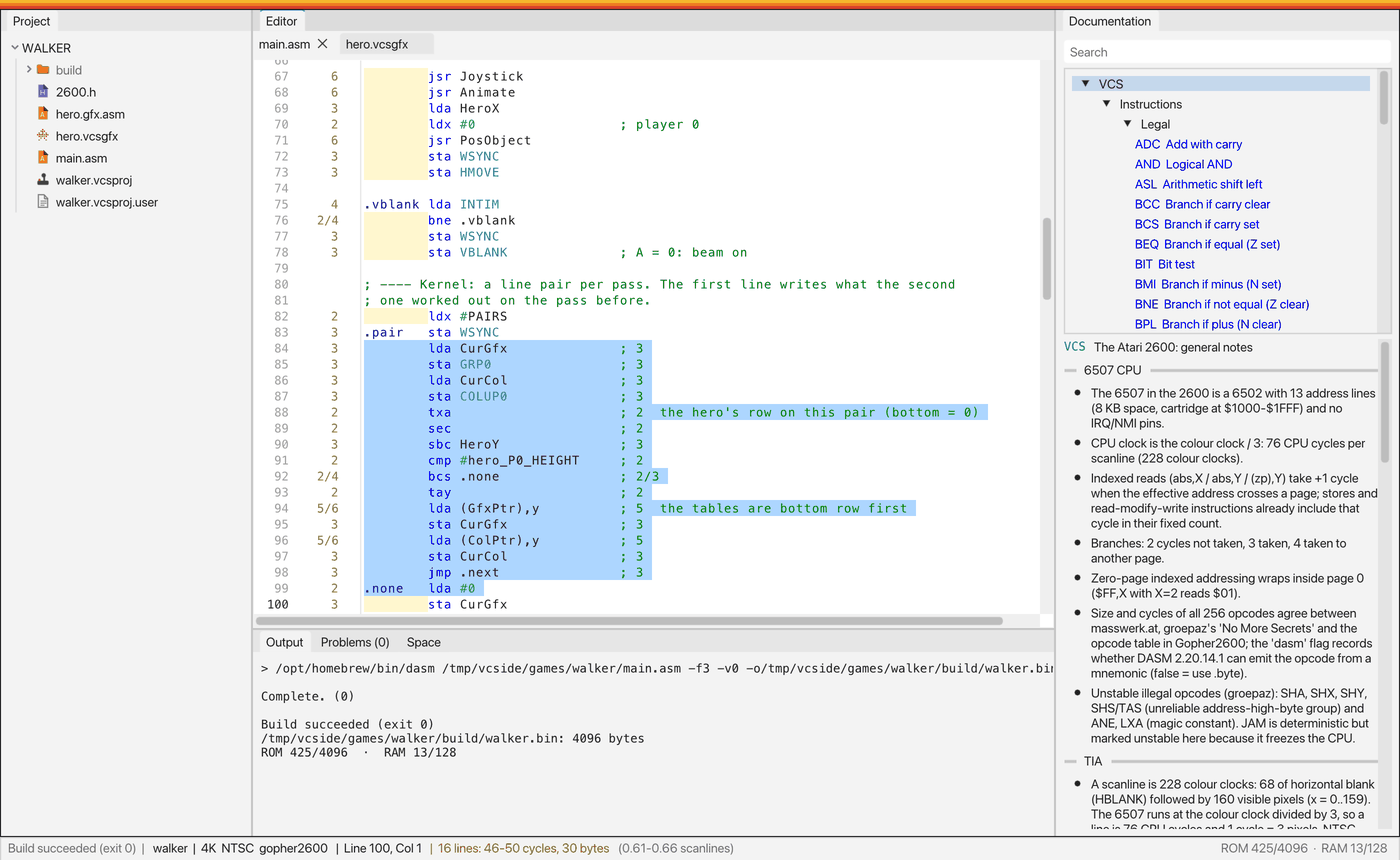
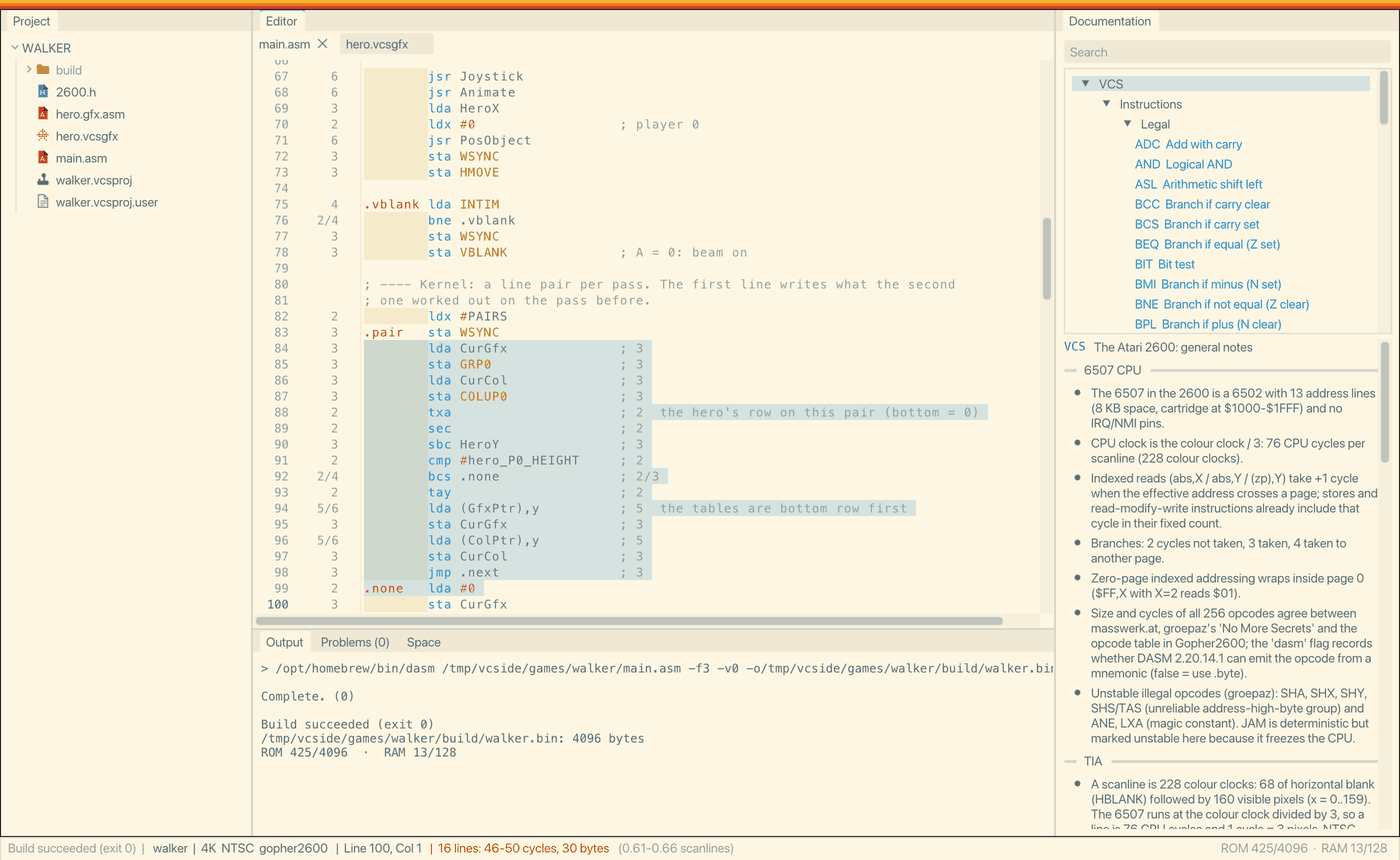
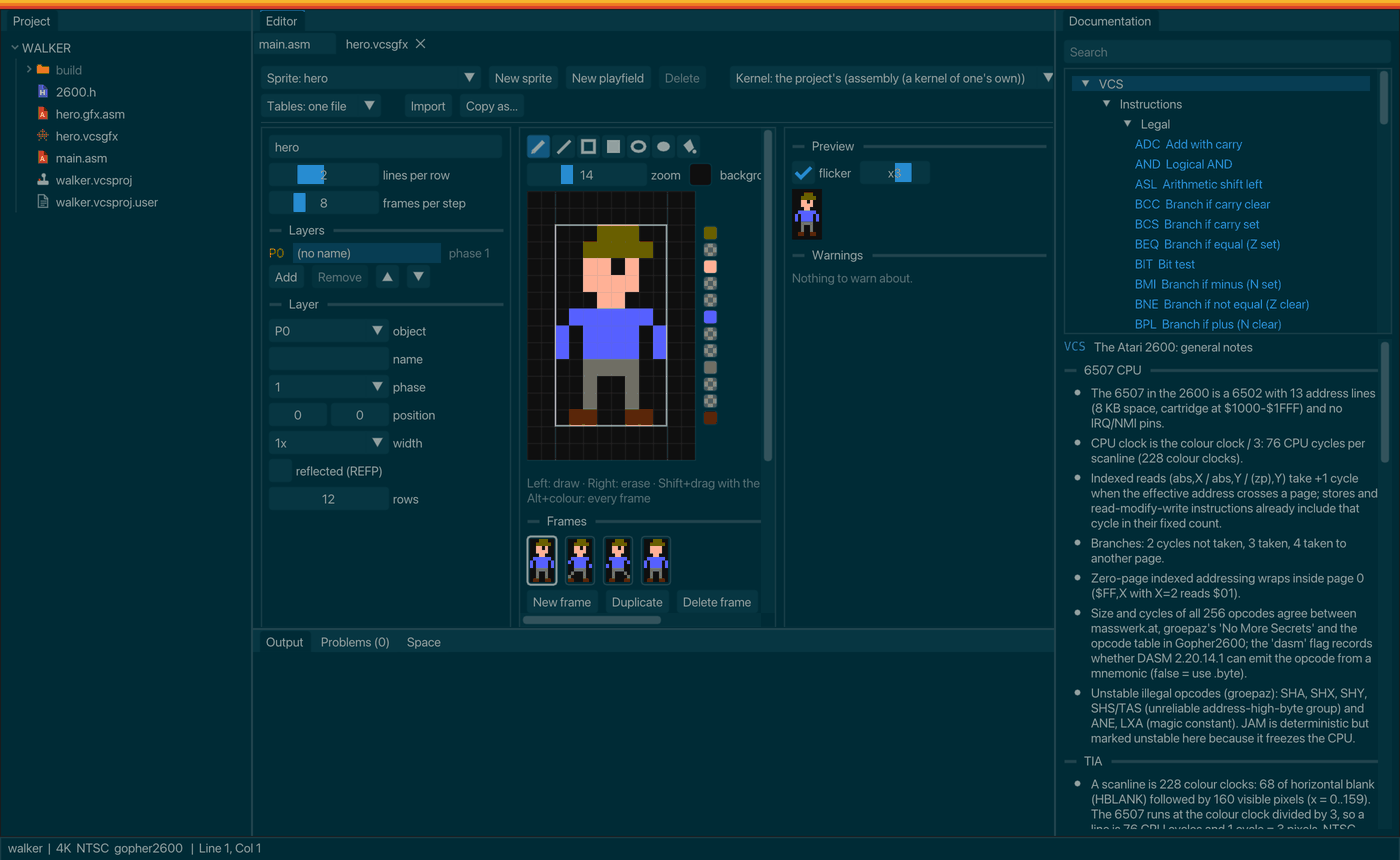
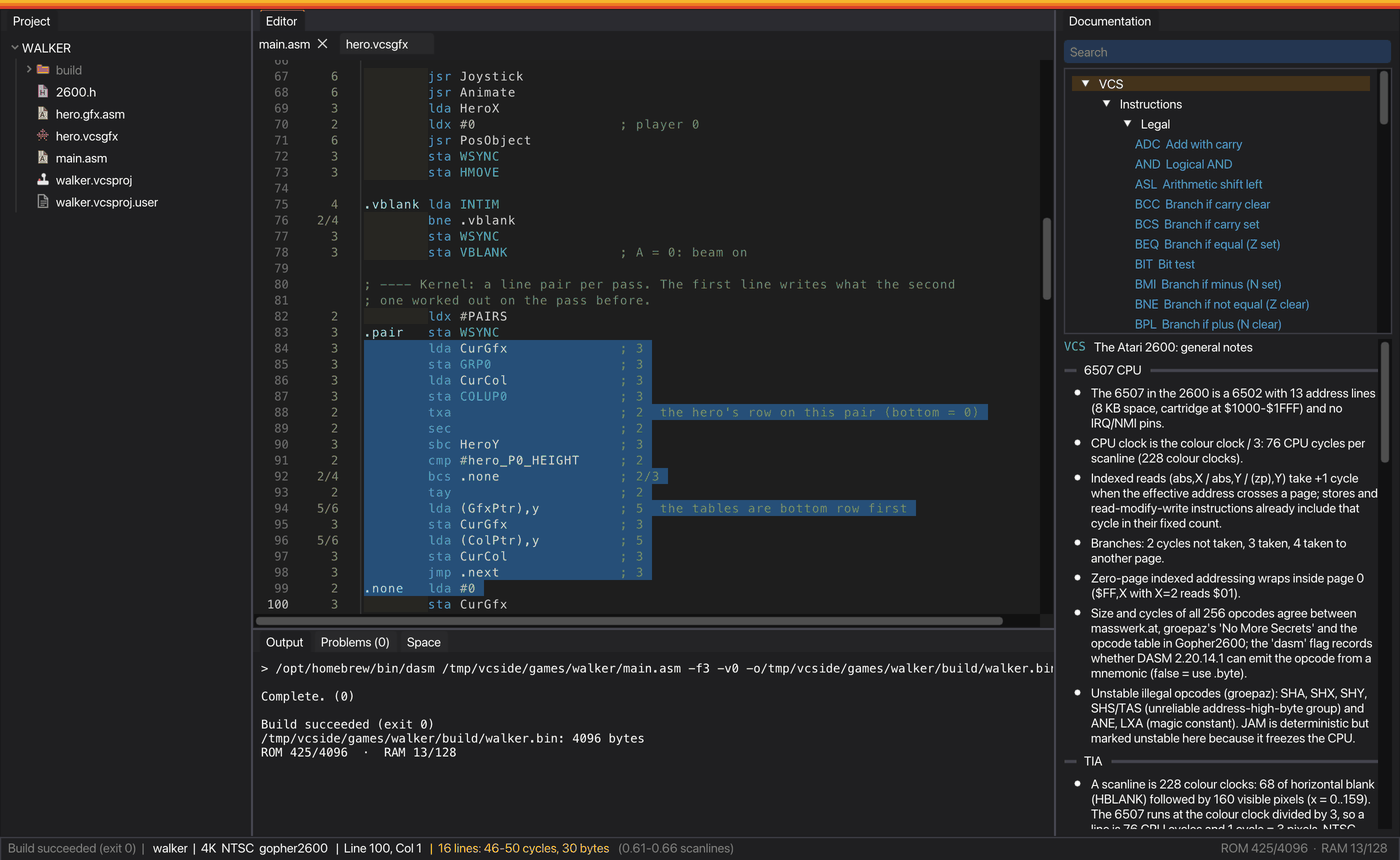
The colours of the 2600 itself, in the graphics editor's palette, never change with the theme.
Roles
Each colour is a role with a name, in groups:
| Group | What it colours |
|---|---|
ui.* | The interface: background, panels, text, buttons, borders, the accent colour... |
editor.* | The code editor: background, current line, selection, line numbers, cycle column, indentation guides... |
syntax.* | Instructions, illegal opcodes, directives, registers, labels, numbers, strings, comments... |
messages.* | Errors, warnings and notes. |
space.* | The bars of the space report. |
graphics.* | The graphics editor's grid, frames and hatching. |
dialog.* | Dialogs: the title band with its three stripes, the border, the main button and the others. |
files.* | The project tree: rows, guides and a colour for each type of file. |
The rest of the interface's colours are worked out from the ui.* roles, and a theme can still set any one of them by name.
Editing themes
View → Theme → Edit themes... opens a window with all the themes, the palette, the roles in their groups with a search box, the indentation levels and any problems. Changes show at once and are saved by themselves in your themes folder.
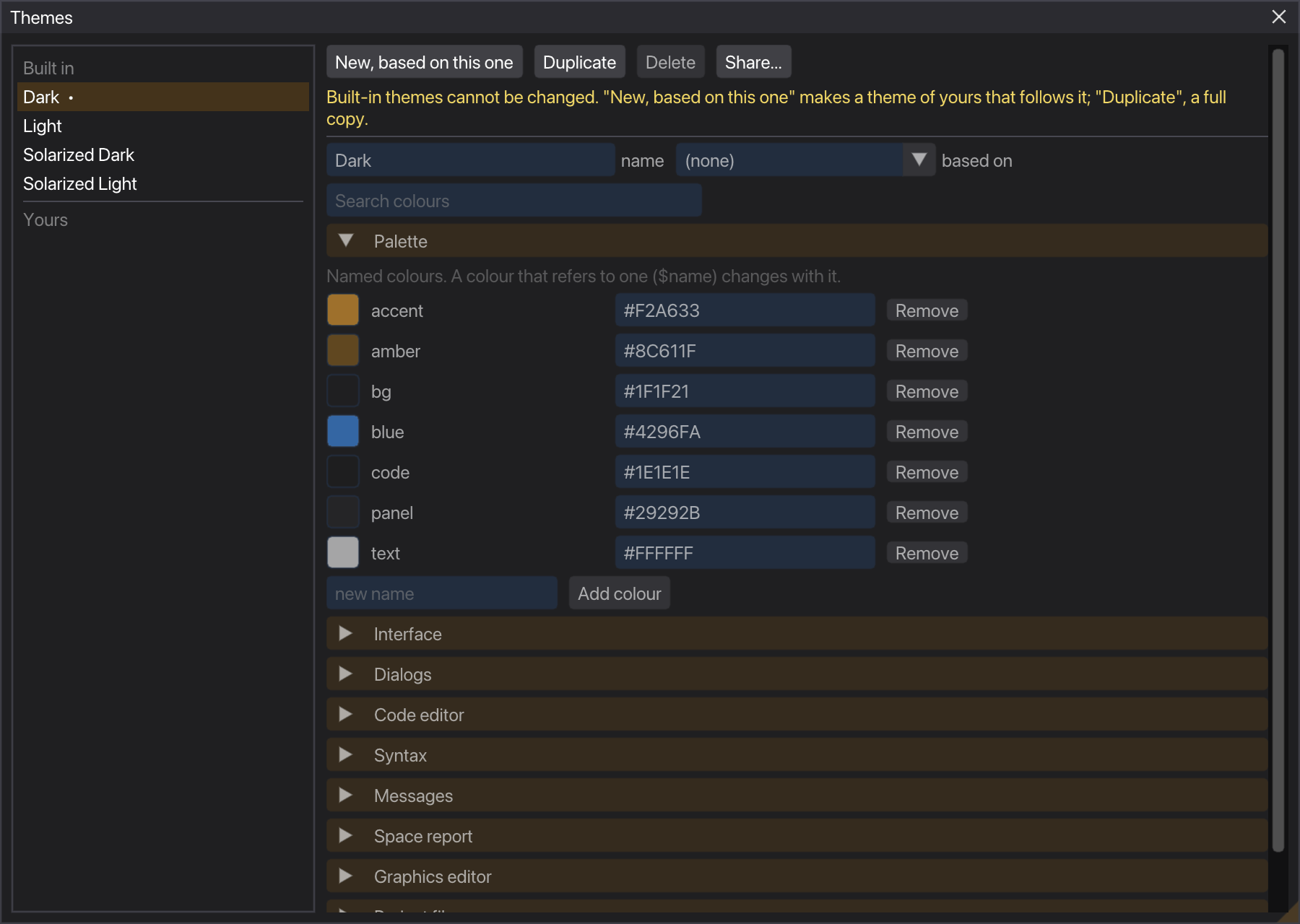
The built-in themes can't be changed. New, based on this one makes an empty theme that follows it, and Duplicate makes a full copy. Both ask for the new theme's name first.
The theme file
A theme is a .vcstheme file, in JSON. This is the whole of Solarized Dark:
{
  "vcstheme": 1,
  "name": "Solarized Dark",
  "base": "solarized-light",
  "palette": {
    "bg": "$base03",
    "bgHi": "$base02",
    "fg": "$base0",
    "fgEm": "$base1",
    "dim": "$base01"
  },
  "colours": {
    "ui.modalDim": "#00000060"
  },
  "indent": [ "$yellow/12", "$green/12", "$red/10", "$blue/10" ]
}base- The theme it takes everything else from. A theme based on another keeps only its differences, and follows the changes in its base.
palette- Named colours.
colours- The roles.
indent- A colour for each indentation level in the editor. An empty list means no shading.
imgui- Any single colour of the interface, by its name.
A colour can be written as:
#RRGGBBor#RRGGBBAA;$name, a colour of the palette;@role, the colour of another role;- any of them followed by
/AAto set its alpha, such as$blue/40.
References are resolved after the bases are merged, so changing one palette entry, or ui.accent, changes everything that refers to it. That's how Solarized Dark above is Solarized Light with five entries swapped. A problem, such as a role without a colour, a reference that doesn't exist or a loop, shows in magenta and is listed in the Themes window.
Sharing
Share... exports a theme to a file or copies it as text; importing reads a file or pastes a theme. An exported theme carries its bases inside, except the built-in ones, so whoever imports it only needs VCSIDE. Importing never overwrites a theme: if the name is taken, the new one gets another.
Languages
The interface is in English and Spanish; choose it in the Language menu (in the application menu on macOS, in Settings elsewhere). A language is one file in data/i18n/, keyed by the English text. A file can be partial: anything missing appears in English. Adding a language is adding a file, and a script in the source lists what each one still lacks.